
Bring your charts
Import ChordPro, plain text or PDF. Keep songs and setlists in your own folder, and export to ChordPro, text, PDF, Word or Setliner format.
Chord charts and setlists, together.
For rehearsal, preparation and the stage.
Tap the amp or a pedal to explore.
Setliner
Import ChordPro, plain-text and PDF charts. Transpose, set your capo, build setlists and turn pages with a Bluetooth foot pedal.
Free core app BuyReal screens from the Windows and Android builds, in dark and light skins.
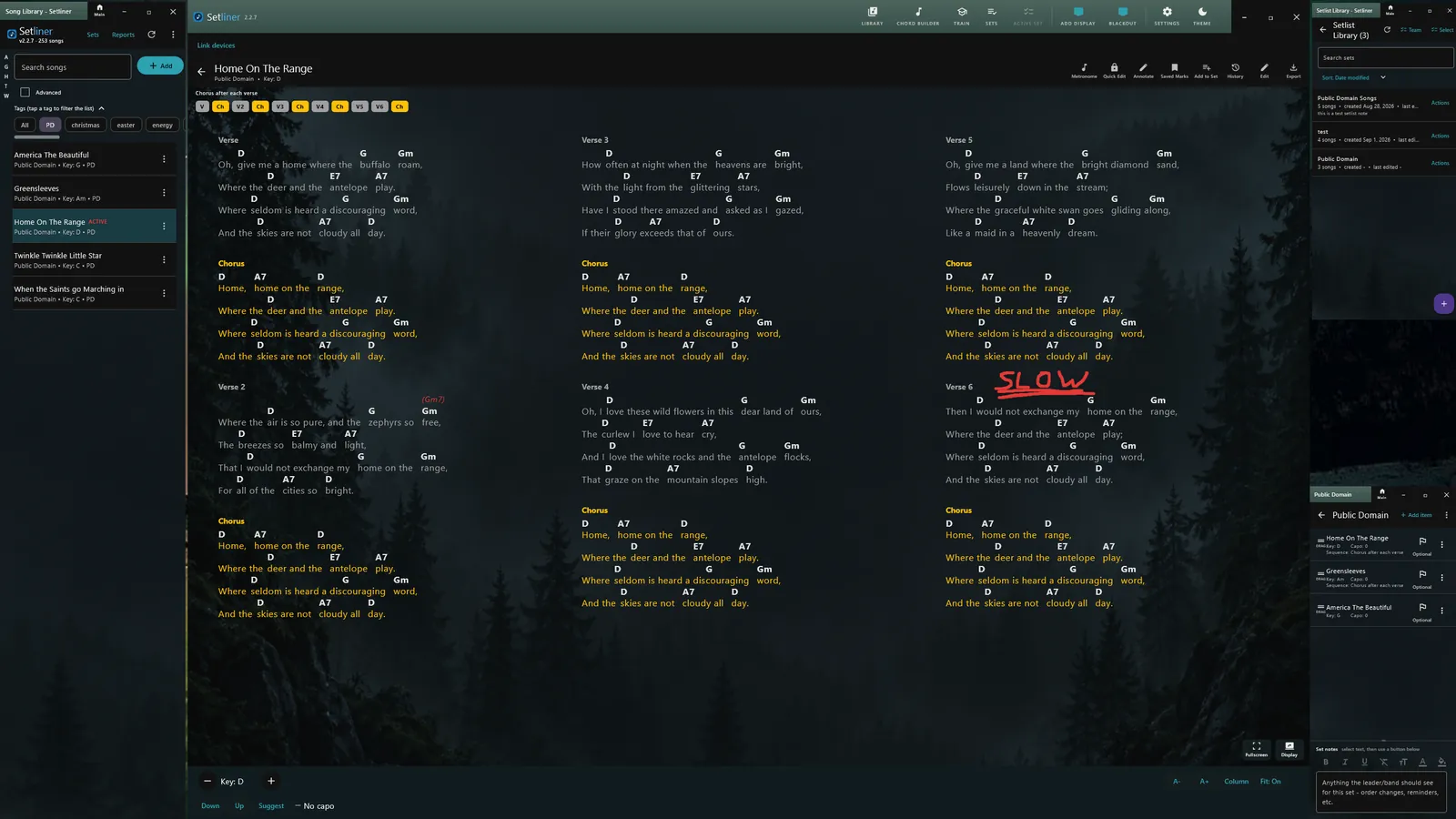
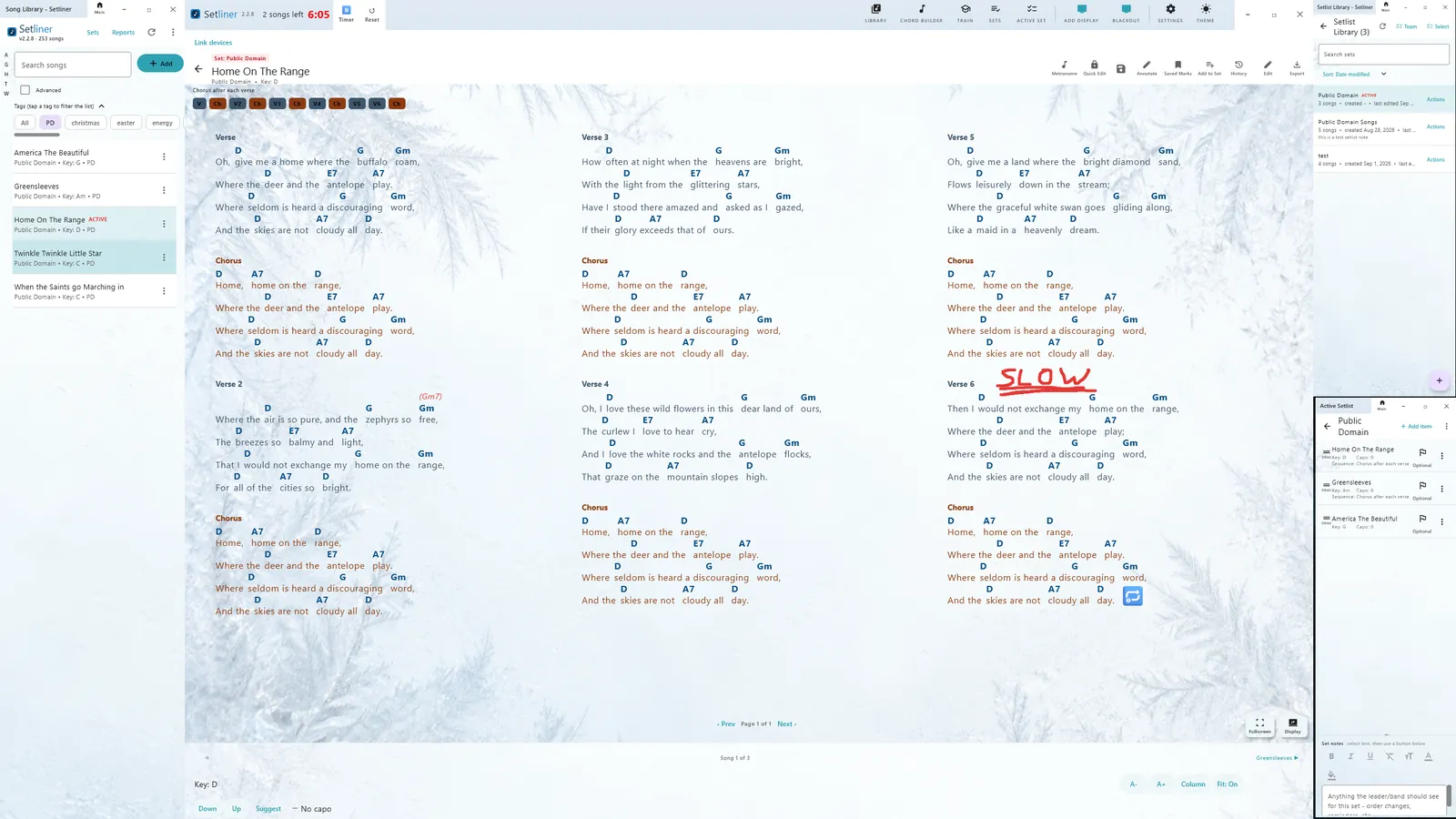
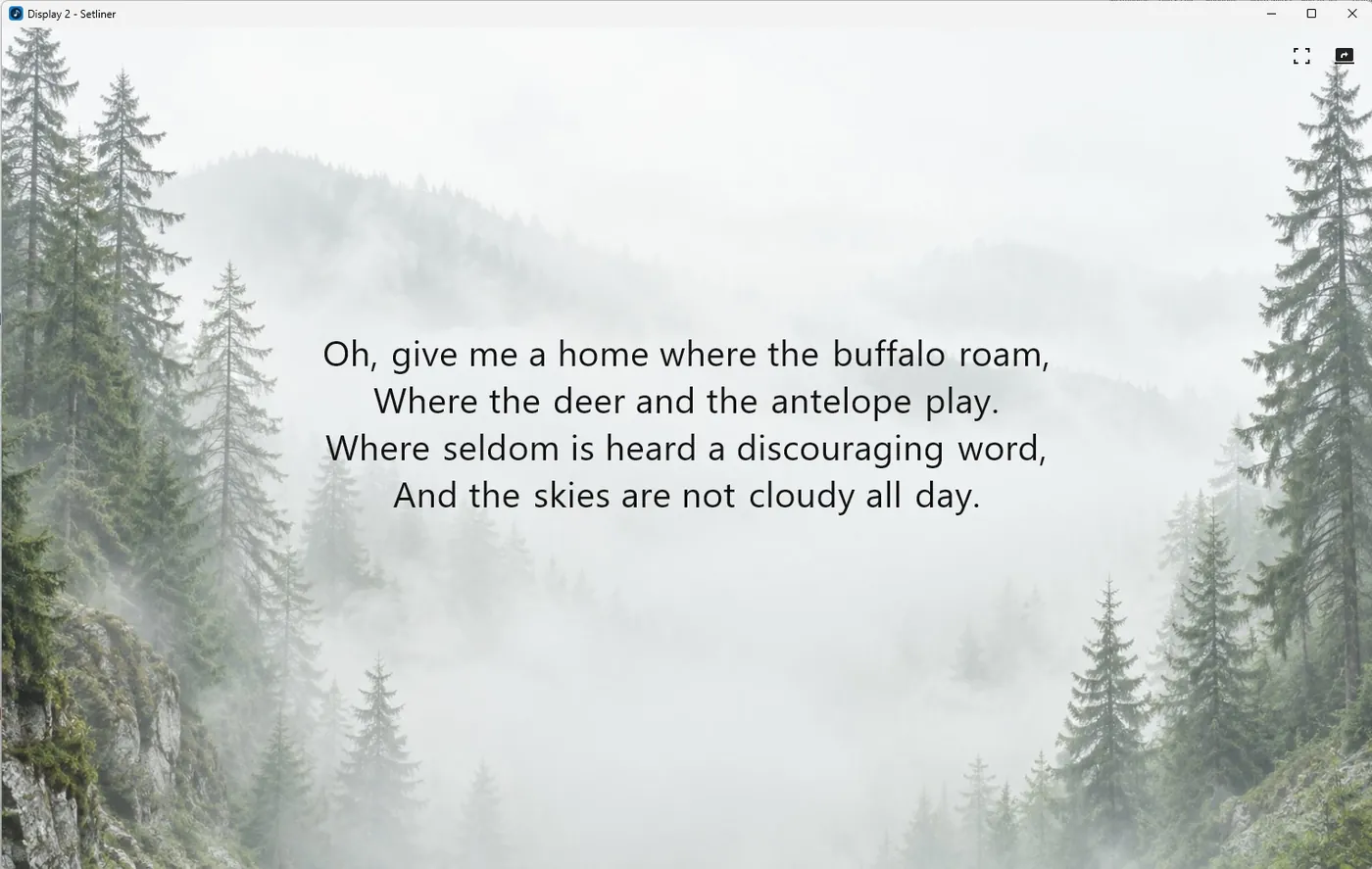
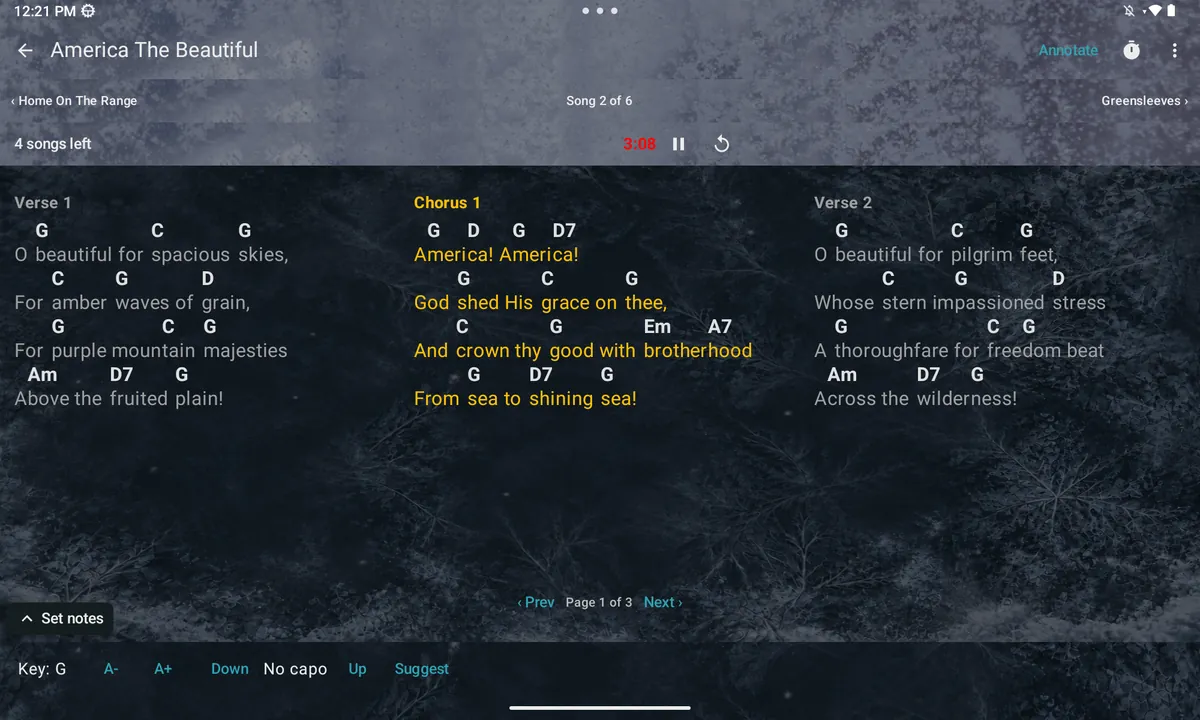
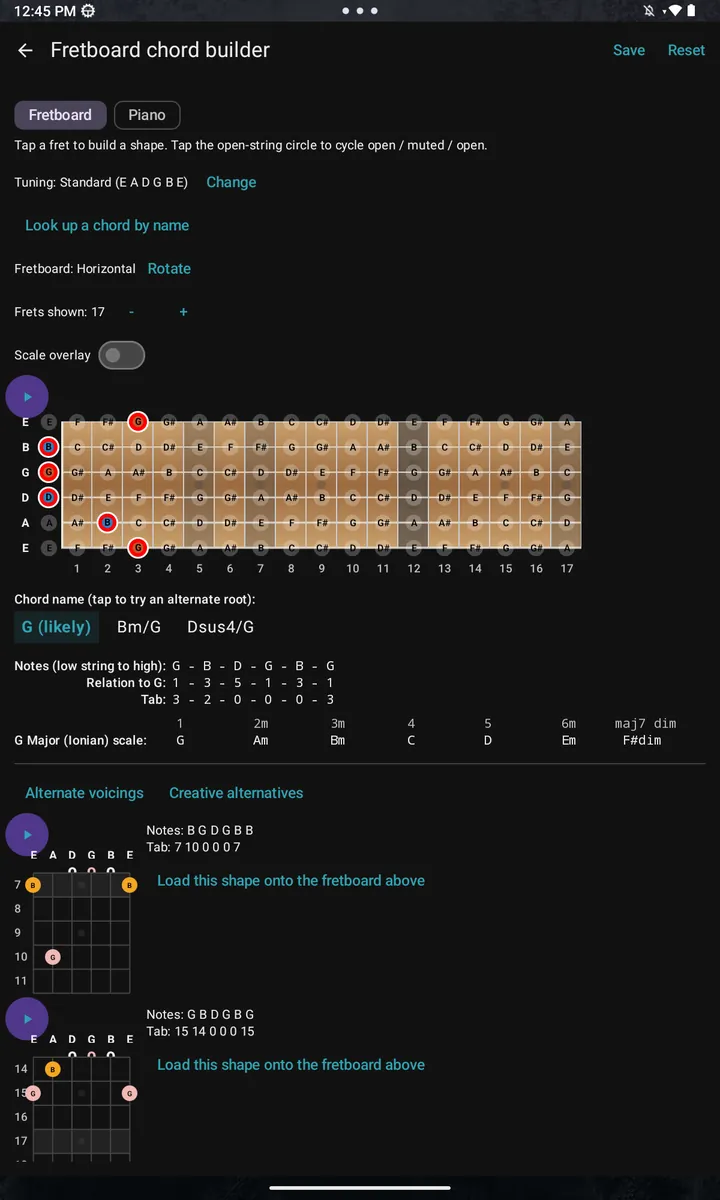
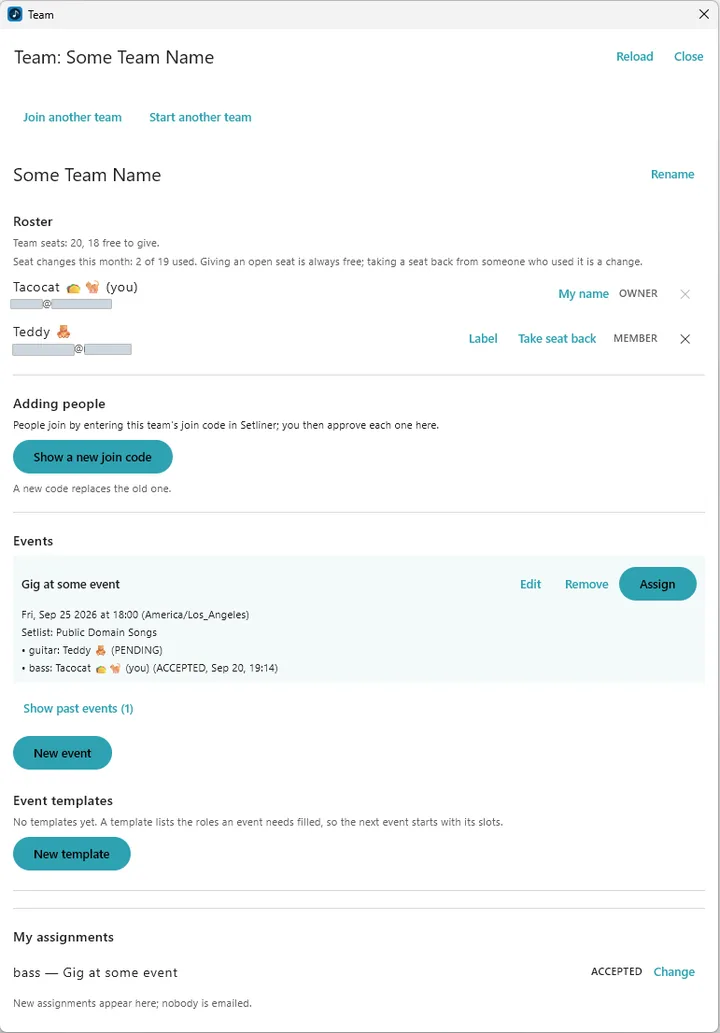
Included in the free app.
No trial clock on the essentials.
Import ChordPro, plain text or PDF. Keep songs and setlists in your own folder, and export to ChordPro, text, PDF, Word or Setliner format.
Transpose a song and choose a capo position. Give it a different key in a setlist without changing the version in your library.
Arrange your songs, open the full-screen chart viewer and use auto-scroll or a Bluetooth foot pedal to turn pages.
Optional features.
One-time prices in USD.
Every optional feature also has its own independent 90-day trial, so you can try one before you buy it. Website purchases are sold by Polar Software, Inc. as merchant of record.
Purchases are not available to buyers in the EEA or the UK. A payment from there is refunded automatically.
Setliner Pro on every seat. One-time bundle prices; you keep one seat and hand the rest to people who join your team in the app.
Full licensing details ↗Your charts don’t need to live on our server to be on your stage.
Setliner keeps songs and setlists in a folder you choose. License checks do not send your charts or setlists.
Starting a trial or activating a purchase needs a verified email address and an internet connection. After that, a cached license supports offline use for up to 90 days between successful renewals. A renewal does not extend a trial’s original deadline.
Setliner for Android, Windows, macOS and Linux.
iOS is developed but not yet released.
Windows (64-bit), version 2.2.15. The installer asks whether to install it for everyone who uses the PC, or just for you.
Download for Windows (.msi, 96 MB)Windows checks the installer's signature itself. Chrome may say the file "isn't commonly downloaded". That only means few people have downloaded this new installer so far; to continue, choose Keep or Download suspicious file, and check the publisher in Windows' permission prompt. The permission prompt should say Verified publisher: Setliner, LLC, and may show a numbered file name, which is Windows' own copy of the installer. A brand-new signing certificate can still bring up a blue SmartScreen screen until enough people have downloaded Setliner; if it appears, choose More info, check the publisher, then Run anyway. To check the download yourself, run Get-FileHash .\Setliner-2.2.15-Windows-Installer.msi in PowerShell and compare it with SHA256SUMS.
Linux (Ubuntu, Debian and derivatives), version 2.2.15.
Download for Linux (.deb, 112 MB)Verify the download: SHA256SUMS, its signature and the signing key, fingerprint D271 68CF 67D8 F5CD C2B9 D5FB 6300 D17D B723 9EEB. Then run gpg --verify SHA256SUMS.asc and sha256sum -c SHA256SUMS.
Android is in closed testing. To request to join the testing group, email support@setliner.com.
The macOS build is being signed and will appear here when it is ready.
iOS follows later.